

Combat Style
The Combat Style tab shows and adjusts how a follower fights: their weapon and spell preferences, aggression, defense, bashing, and movement. Hover over a label for an explanation.
The player is not AI-controlled, and therefore has no combat style.
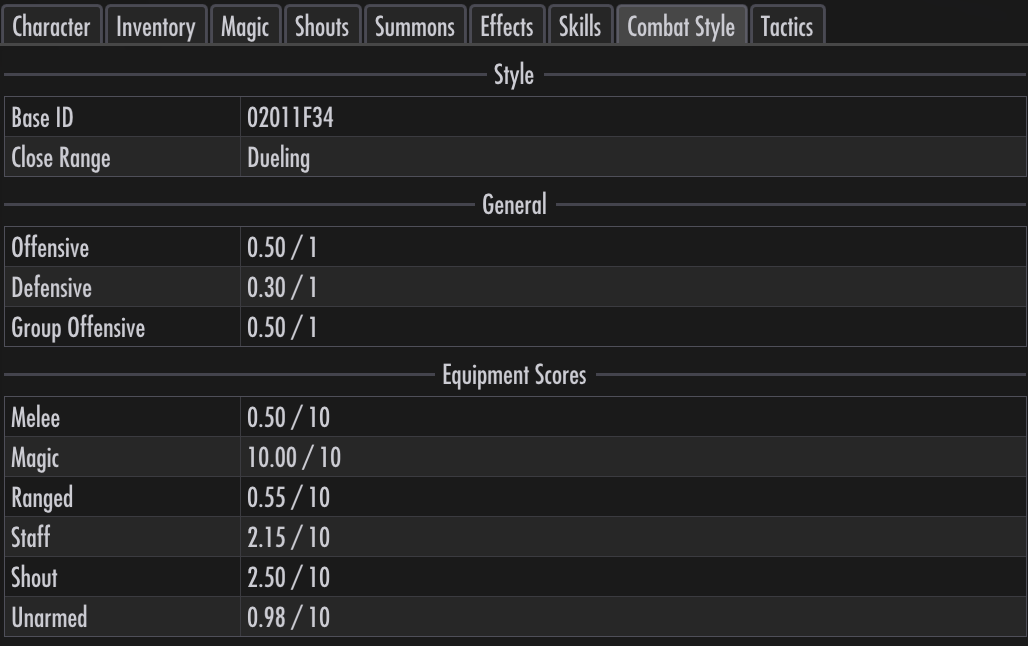
Combat style weights the AI’s choices. Increasing Magic relative to Ranged, for example, makes spells more attractive than bows. Combat AI describes what else goes into the choice.
Adjusting a style
Click a value to open its slider. The slider adds to or subtracts from the follower’s original value; click the value again to close it. Use the adjacent Reset to restore that field, or the Reset at the top of the tab to restore the whole style after confirmation.
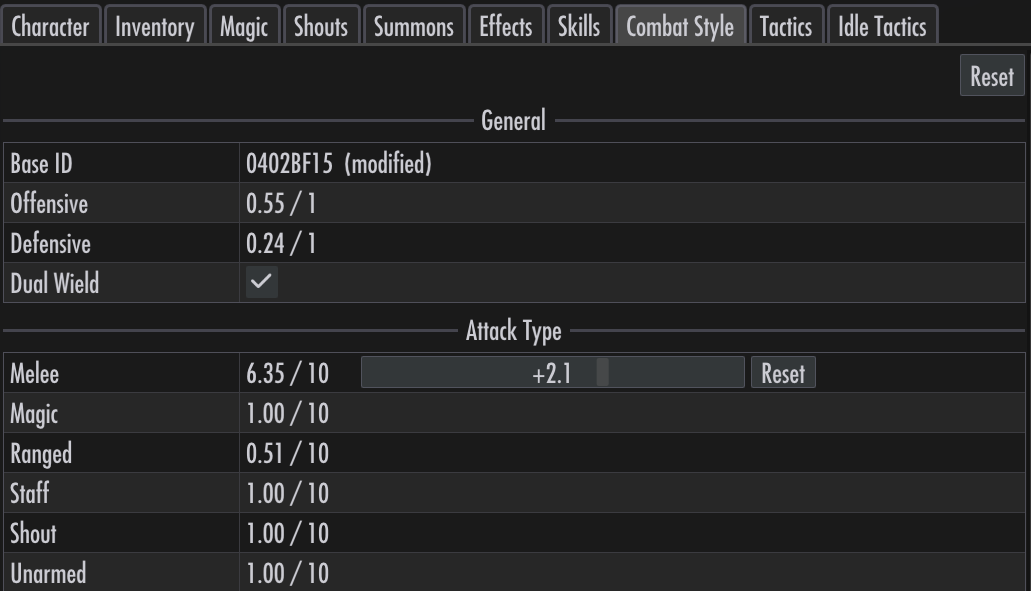
In this example, Melee has a +2.1 adjustment, bringing its value to 6.35 / 10. The Base ID row marks the style as (modified) while adjustments are applied.
Flanking switches close-range movement between flanking and circling/falling back. Adjust the corresponding movement values to tune the chosen behavior.
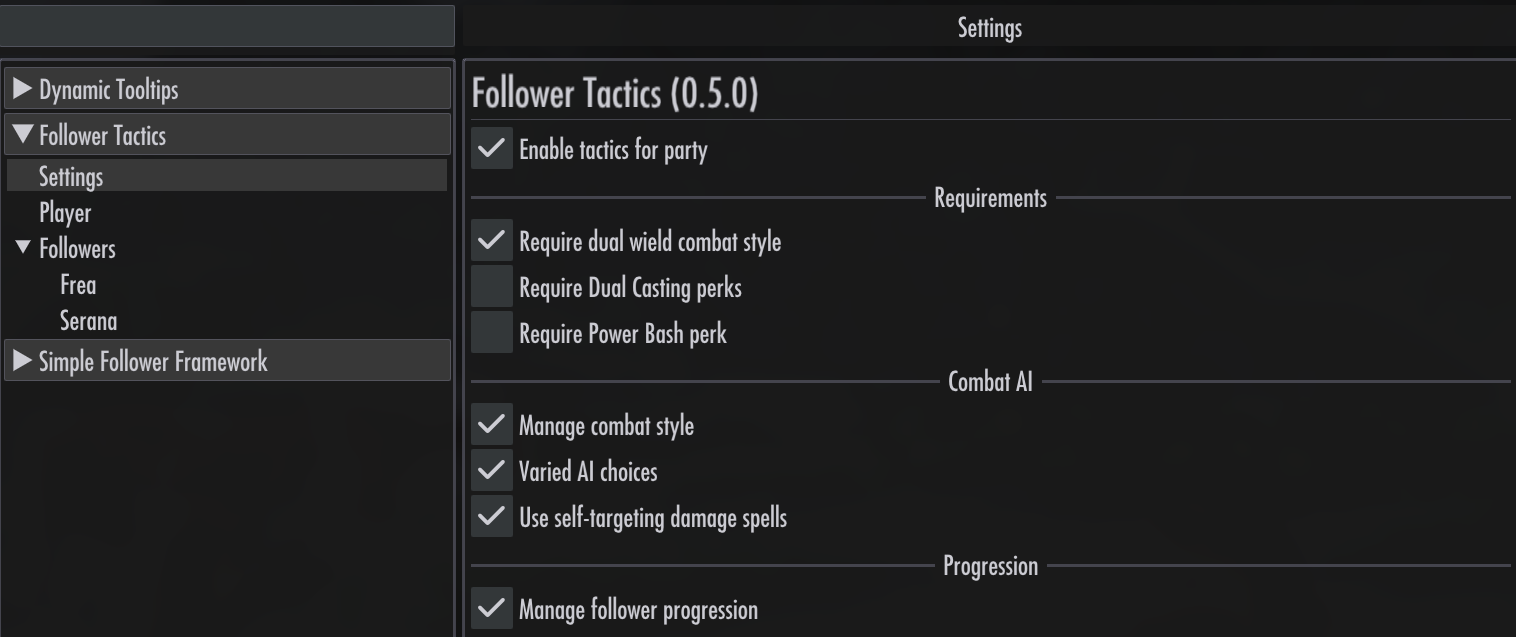
Settings → Combat AI → Manage combat style is on by default. Turning it off restores followers’ original styles and makes the tab read-only, while keeping your adjustments for when you turn it back on. Adjustments are saved with your game and do not permanently change the original combat-style records.
Dual-wielding
Combat style also determines whether a follower can dual-wield. Toggle dual-wielding on this tab to allow or disallow it for that follower.

Dual-wielding only applies to melee weapons. Having a sword in one hand and a staff in the other does not qualify as dual-wielding.
To allow dual-wielding regardless of combat style, turn off Settings → Requirements → Require dual wield combat style.
