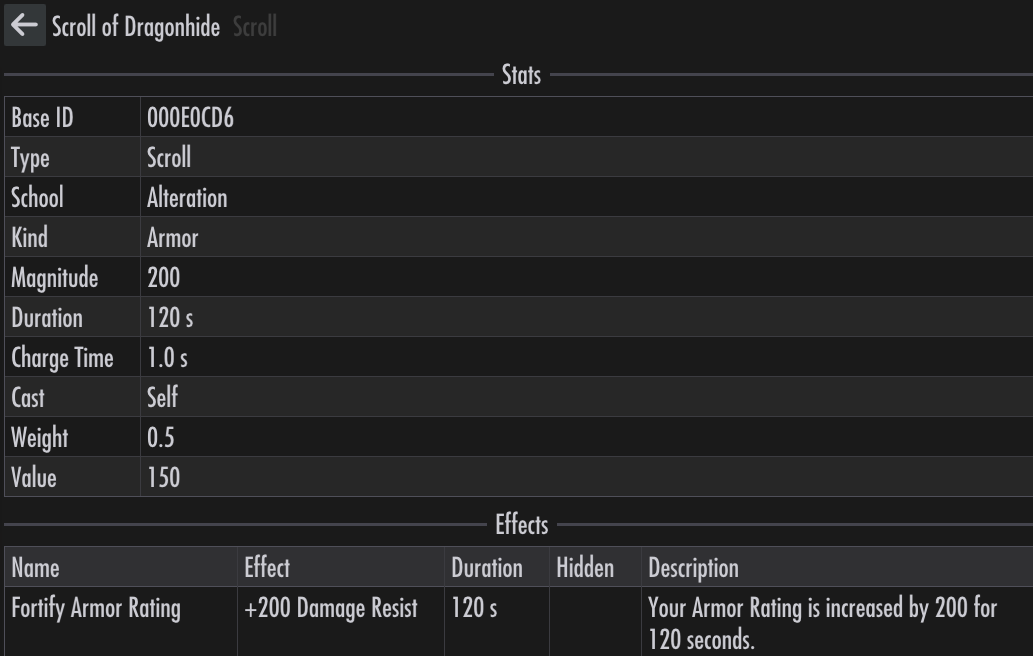
Inventory
The Inventory tab contains information about what the player or follower is carrying, such as weapons and potions.
A trained follower can learn a spell from a tome they carry.
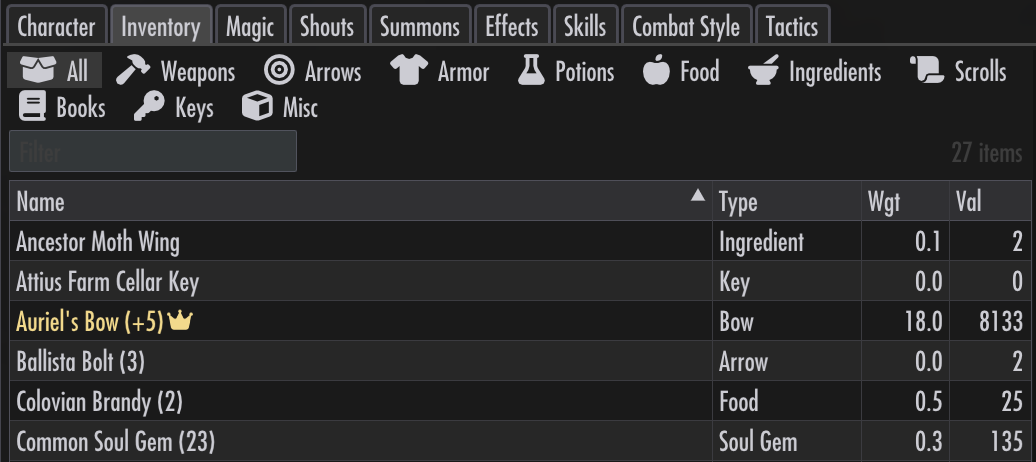
Weapons
The Weapons chip lists weapons.
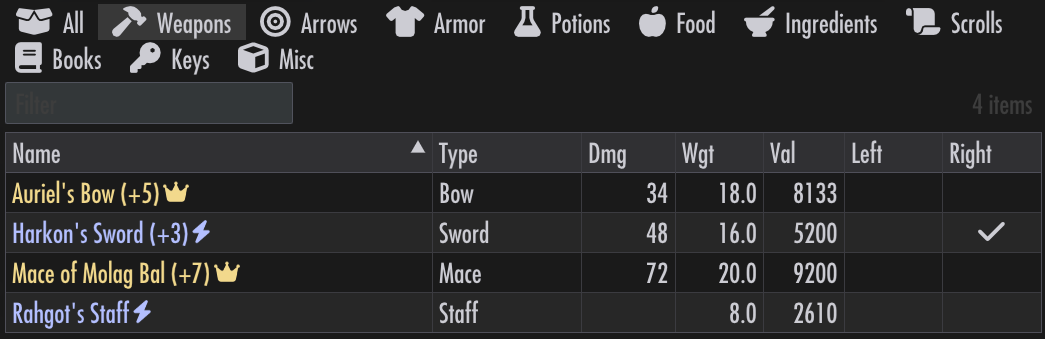
Left and Right columns show equip state in the left and right hands. Click a cell to cycle between states, such as pinned and banned.
Clicking on a weapon name shows its details.
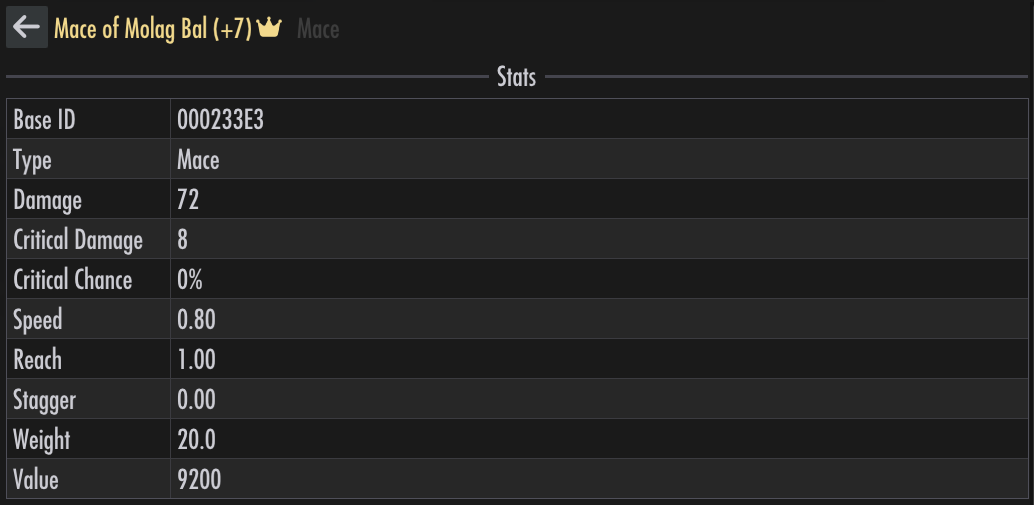
Effect details, including conditions, are available, so you can see exactly what the weapon does:
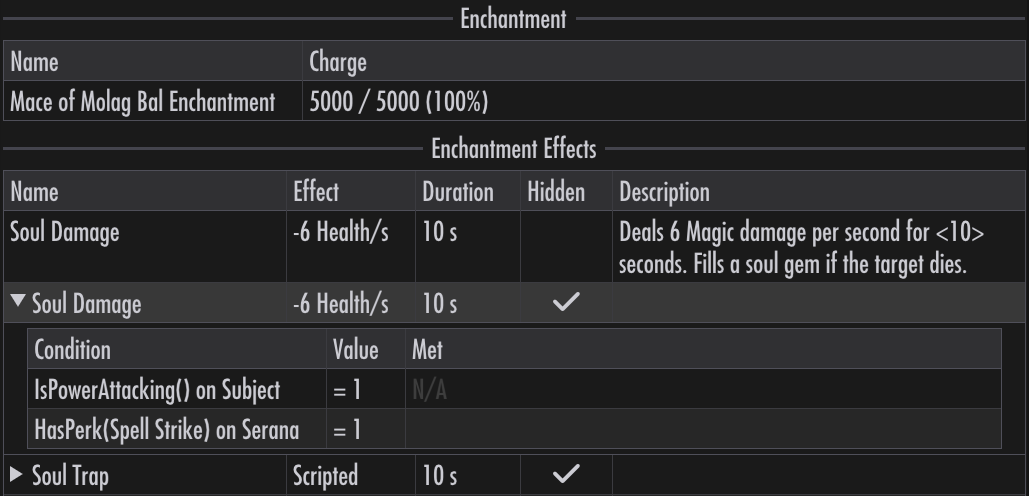
An enchanted weapon’s details page has a Charge button, which recharges that weapon with the weakest filled soul gem carried.
Dual-wielding
If a follower cannot dual-wield, putting a weapon into their left hand will remove the one in their right hand, and vice versa.
Arrows
The Arrows chip lists arrows. Arrows are separated from weapons for convenience, as they are not equipped in hands.
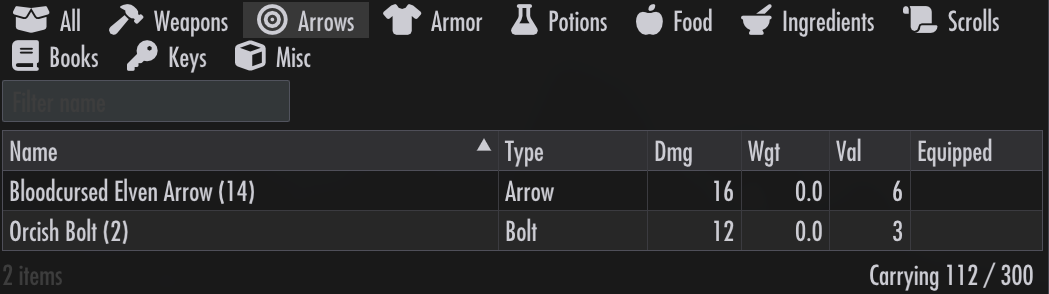
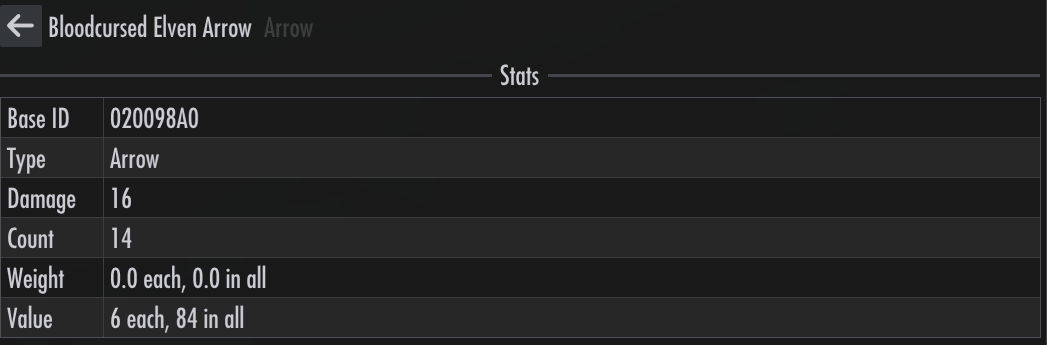
Clicking on an arrow name shows its details.
Armor
The Armor chip lists armors, clothing, jewelry, etc.:
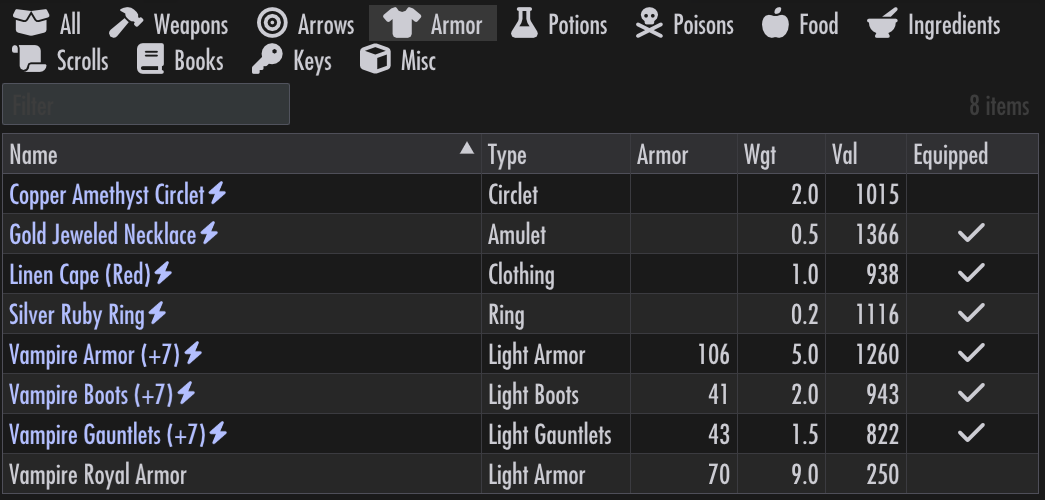
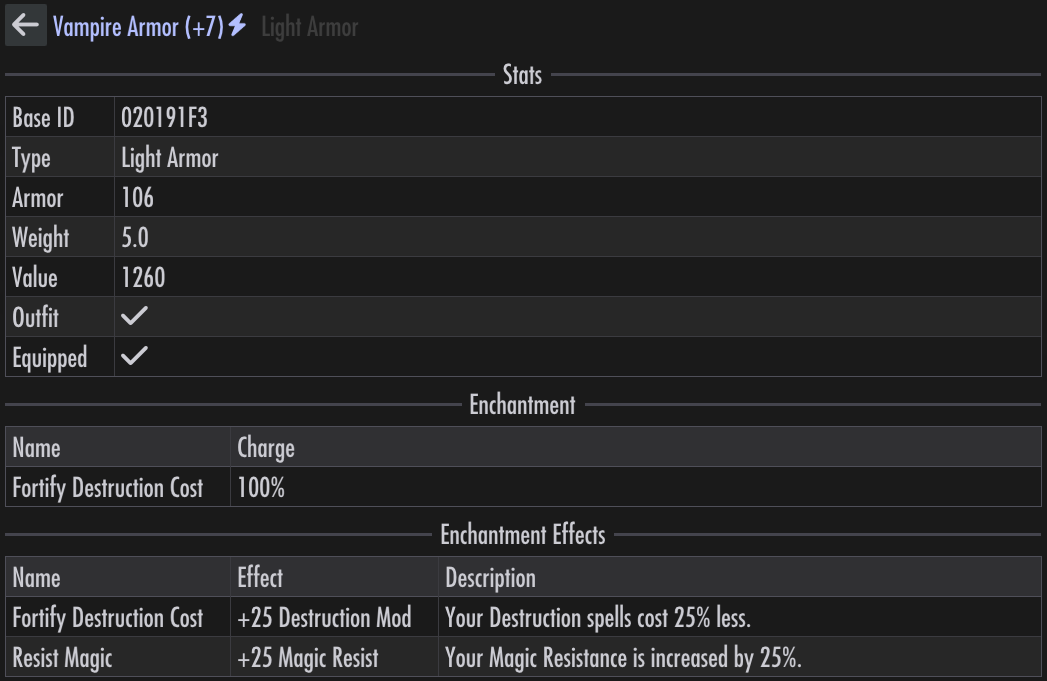
Clicking on an armor name shows its details, including effects.
Potions
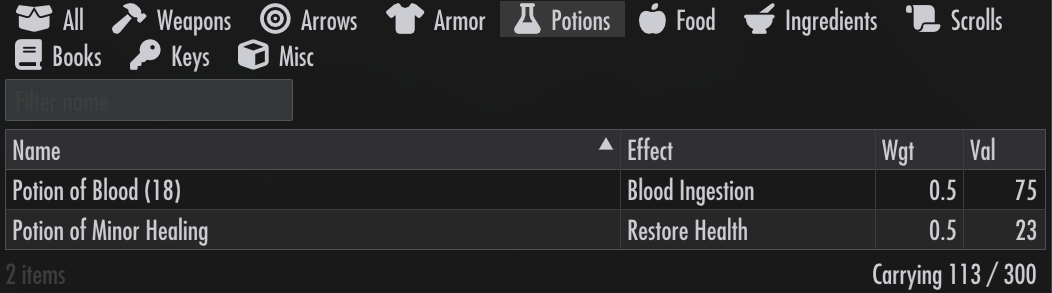
The Potions chip lists potions:
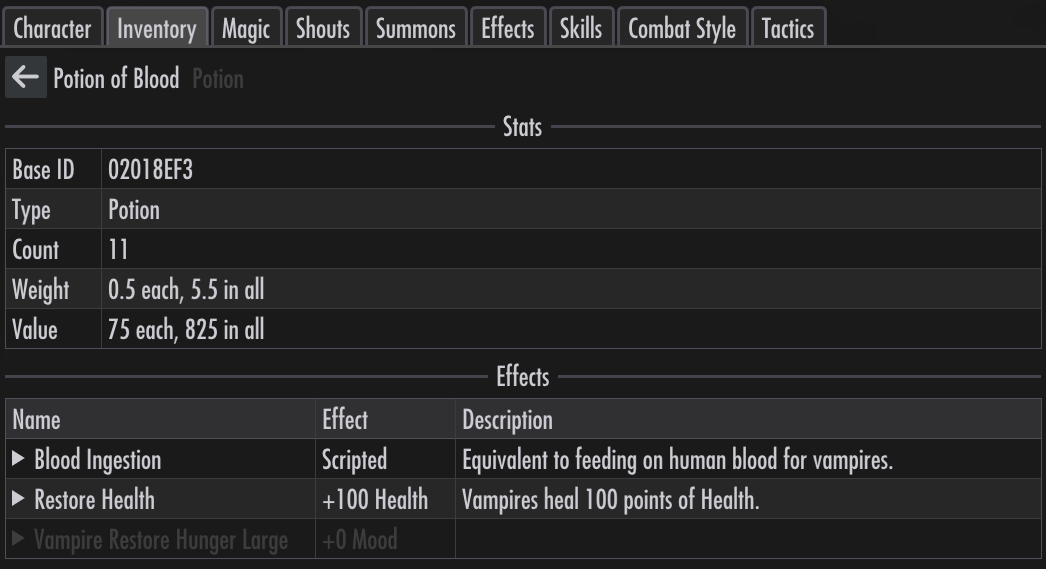
Clicking on a potion name shows its details, including effects.
Poisons
The Poisons chip lists poisons:
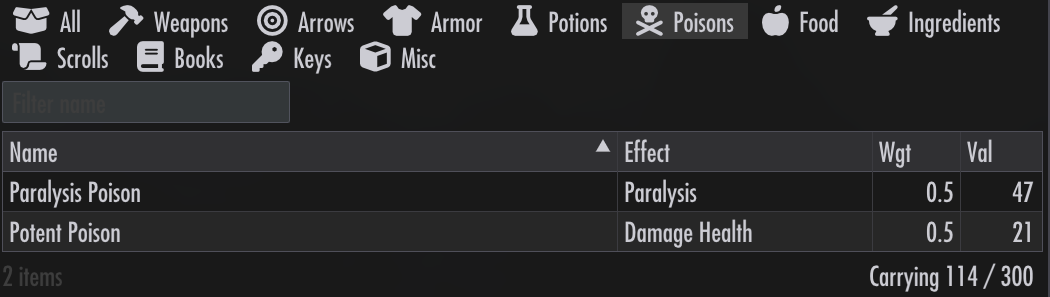
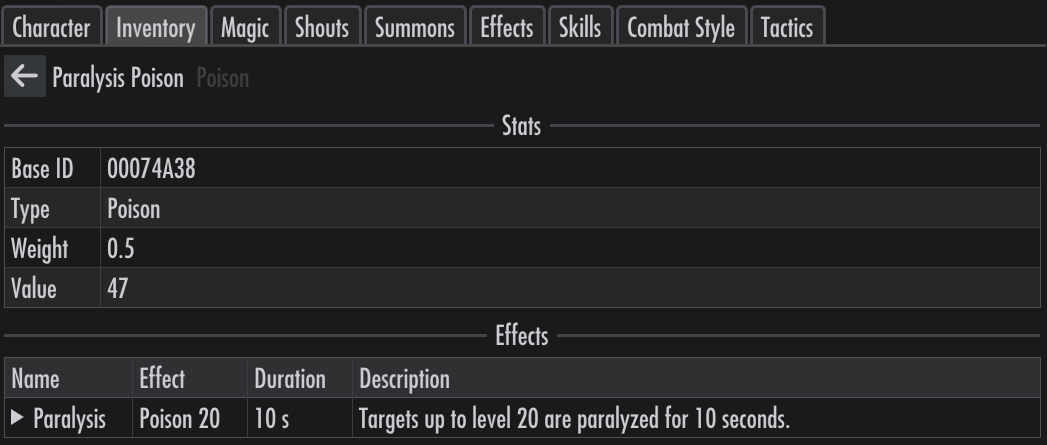
Clicking on a poison name shows its details.
Food
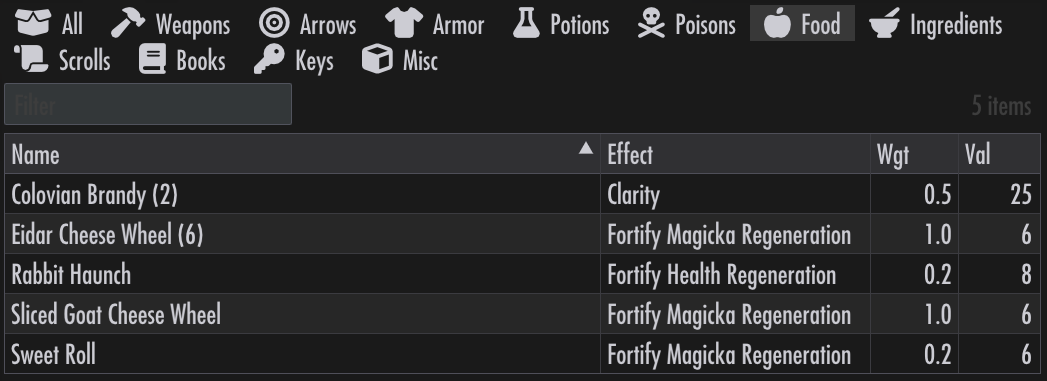
The Food chip lists foods:
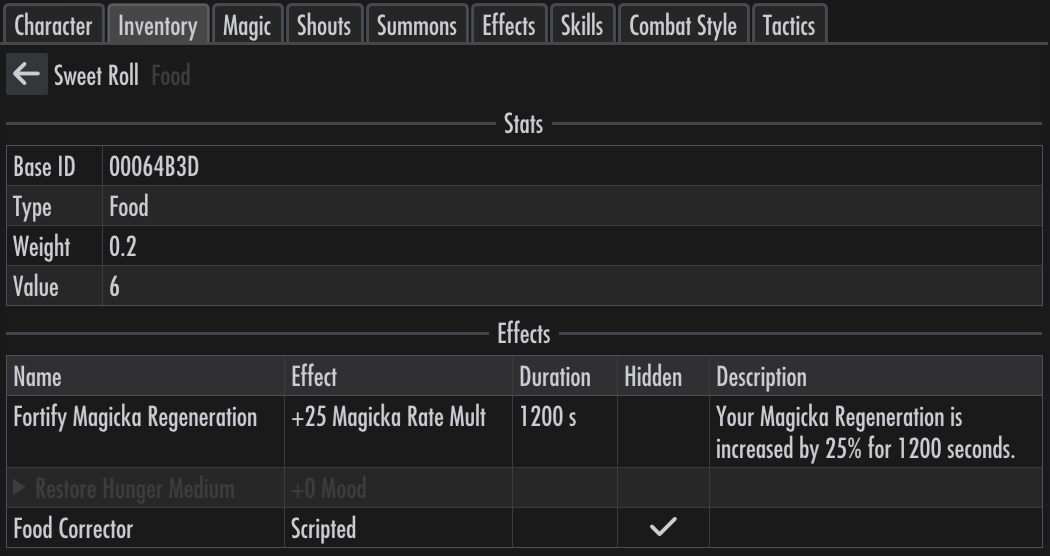
Clicking on a food name shows its details.
Ingredients
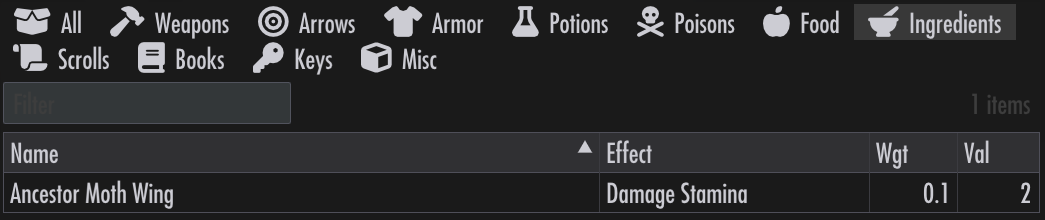
The Ingredients chip lists ingredients:
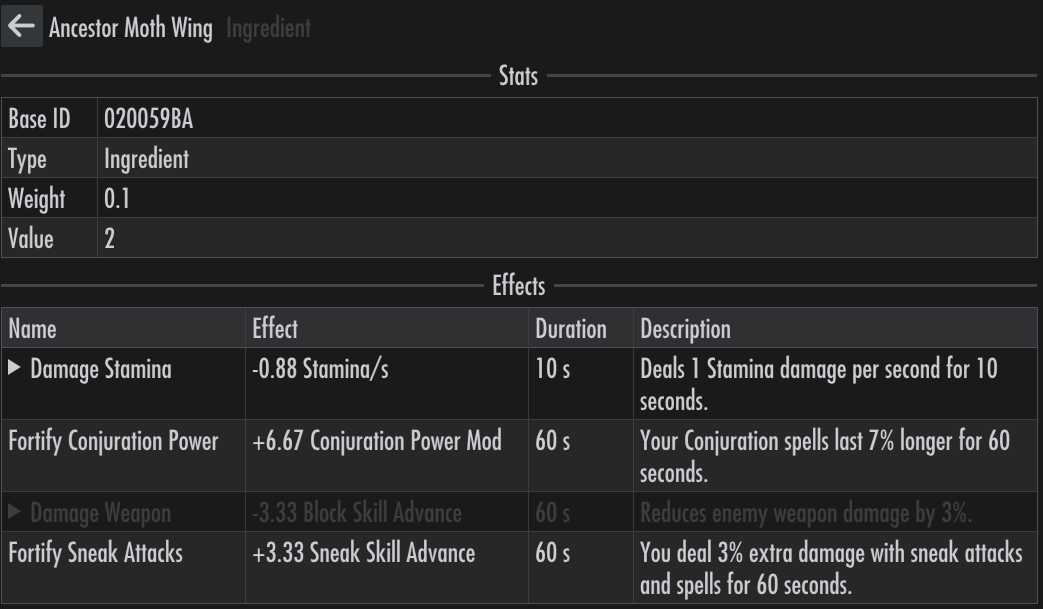
Clicking on an ingredient name shows its details.
Scrolls
The Scrolls chip lists scrolls:
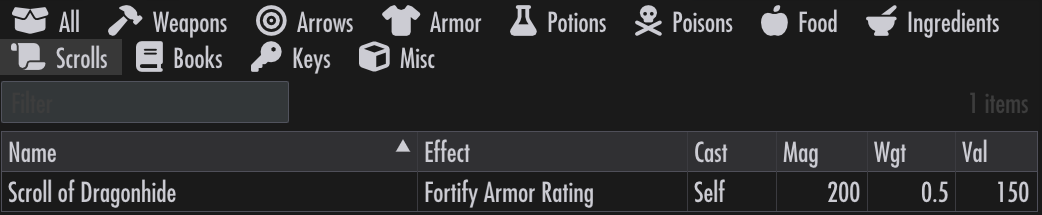
Clicking on a scroll name shows its details.